How to Train an AI Model for Your Mid-Sized Company's Sales Team
Training an AI model for sales at a mid-sized company means teaching it your buyers, your playbook and your data, not building a new model from scratch. Most teams get this wrong in one of two ways: they plug in a generic chatbot that knows nothing about their product, or they assume they need a six-figure machine learning project.
Mid-sized companies sit in a sweet spot. You have enough deals, calls and CRM history to give an AI real material to learn from, but not the budget or headcount of an enterprise. This guide walks through six practical steps to get an AI model working for your sales team, in the order we recommend doing them.
What “training” really means
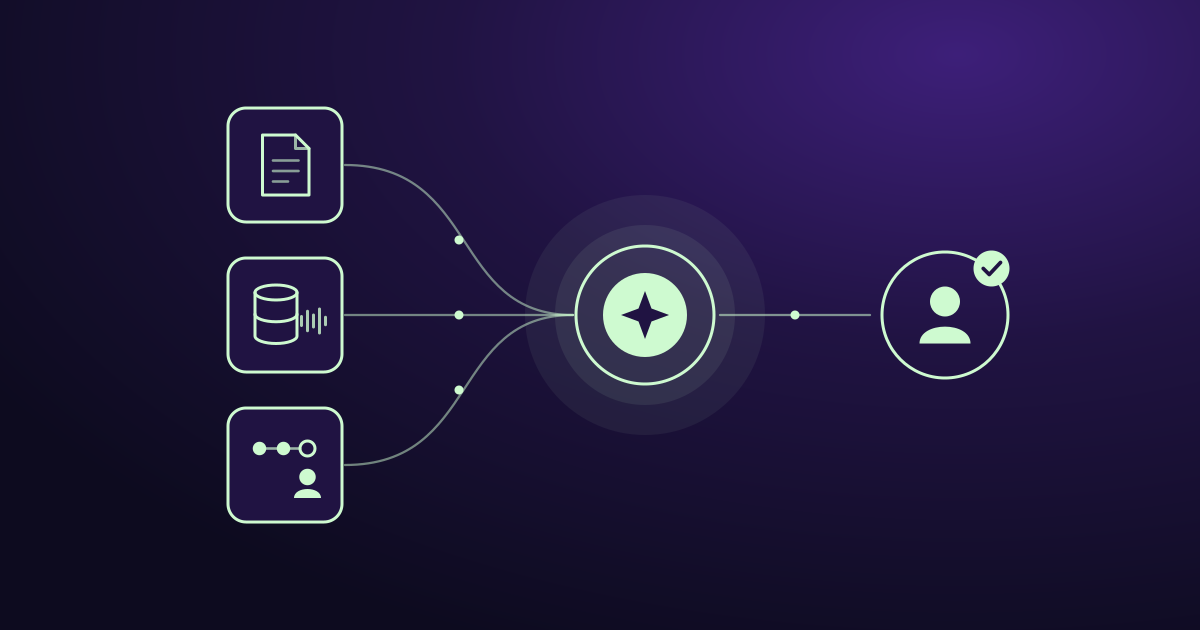
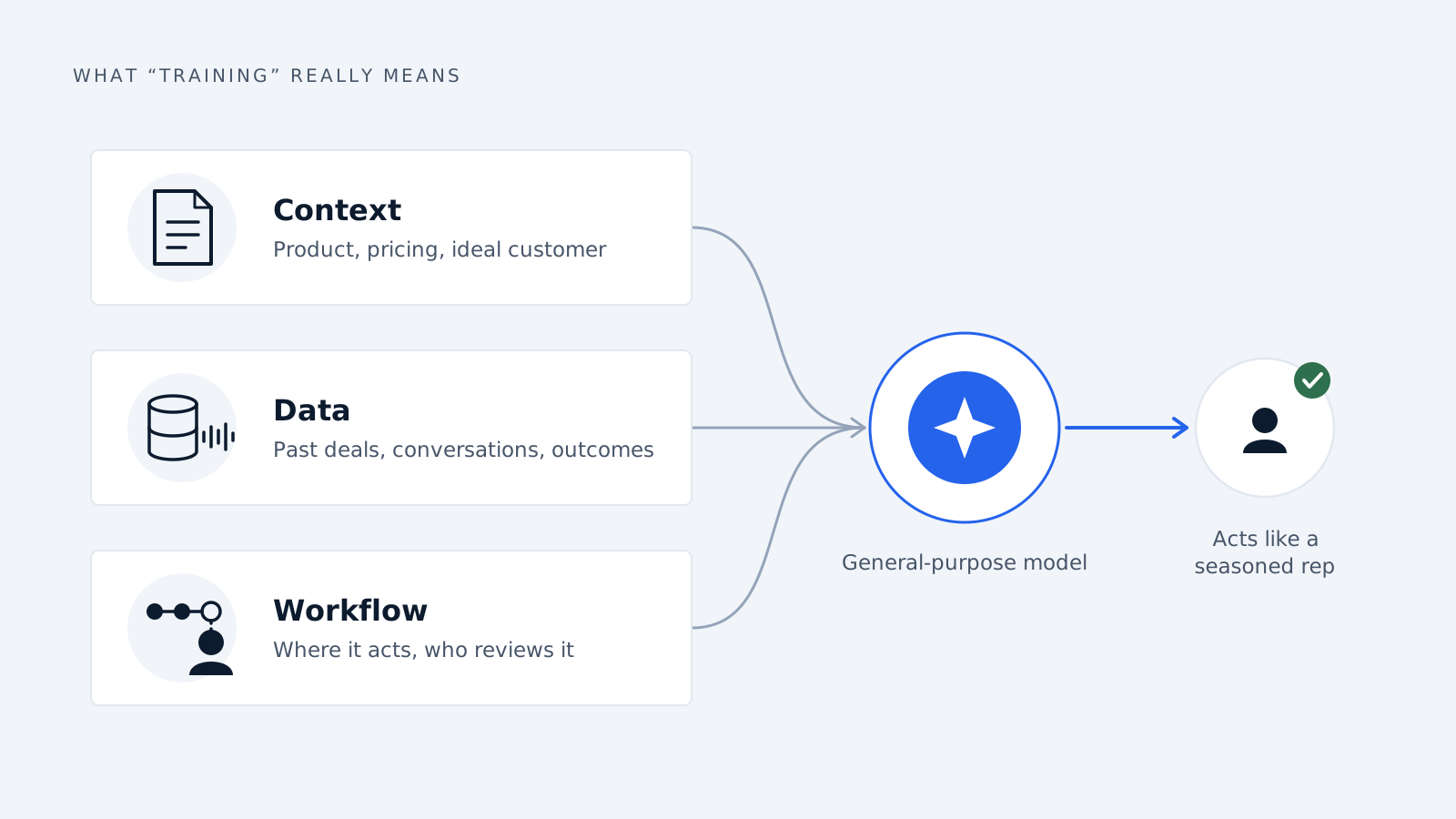
For sales, training rarely means changing a model’s weights. It means giving a capable model three things: the right context (your product, pricing and ideal customer), the right data (past deals, conversations and outcomes), and the right workflow (where in your sales process it acts, and who reviews it). Get those three right and a general-purpose model starts behaving like a rep who has been with you for years.
Step 1: Pick the sales jobs you want AI to do
Start with two or three narrow jobs, not “AI for sales.” A model trained to do one thing well beats one asked to do everything badly. Good first candidates for a mid-sized team:
- Lead qualification: scoring and routing inbound leads against your ideal customer profile.
- Account research and call prep: one-page briefs before every meeting.
- Outreach drafting: first-draft emails and LinkedIn messages in your reps’ voice.
- Follow-ups and CRM updates: summarizing calls and logging next steps so reps stop doing data entry.
Choose jobs that are repetitive, text-heavy and where a mistake is cheap to catch. Leave pricing negotiation and closing for later.
Step 2: Audit and clean your sales data
The model is only as good as what you feed it, and most mid-sized companies have messy CRMs. Before anything else, gather and tidy these sources:
- CRM records: deal stages, close dates, deal sizes, lost reasons. Fix duplicates and fill the fields that matter.
- Call recordings and transcripts: your best source of real objections and winning language.
- Email threads: how top reps actually write to prospects.
- Win/loss notes: why deals closed or died, in the rep’s own words.
Tag your best-performing reps’ work. Teaching the model from your top 20% produces very different results than teaching it from the average. Also strip out anything sensitive, such as personal data or confidential contract terms, before it goes near a model, and check this against GDPR and your customers’ contracts.
Step 3: Choose your approach: prompting, retrieval or fine-tuning
There are three ways to “train” a model, and mid-sized companies usually need only the first two.
| Approach | What it does | Best for | Effort |
|---|---|---|---|
| Prompting | Gives the model instructions, examples and tone guidelines | Outreach drafts, call prep, summaries | Low |
| Retrieval (RAG) | Lets the model look up your docs, CRM and past deals at answer time | Product questions, objection handling, account research | Medium |
| Fine-tuning | Adjusts the model itself on your examples | Very consistent style or format at high volume | High |
Our recommendation: start with prompting plus retrieval. It is faster, cheaper, easy to update when your pricing or messaging changes, and keeps your data in your control. Consider fine-tuning only after you have thousands of clean examples and a clear gap that the first two cannot close.
Step 4: Write your sales playbook down for the model
The single highest-impact step is turning what lives in your best reps’ heads into text the model can use. Document:
- Ideal customer profile: industry, company size, roles, triggers and disqualifiers.
- Value propositions by persona: what you say to a CFO versus an operations manager.
- Objection handling: the ten objections you hear most, with your best responses.
- Pricing and discount rules: what reps can offer, and what needs approval.
- Tone and style: real examples of emails and messages you consider on-brand.
- Hard limits: claims the model must never make, competitors it must not name, topics it must escalate.
This document becomes the core of the model’s instructions and knowledge base. Keep it in one place, version it, and update it whenever your messaging changes.
Step 5: Connect it to your tools and keep a human in the loop
An AI model that lives in a separate tab will not get used. Connect it to where reps already work: your CRM, email, calendar and call-recording tool. Let it read deal context automatically and write back notes, tasks and field updates.
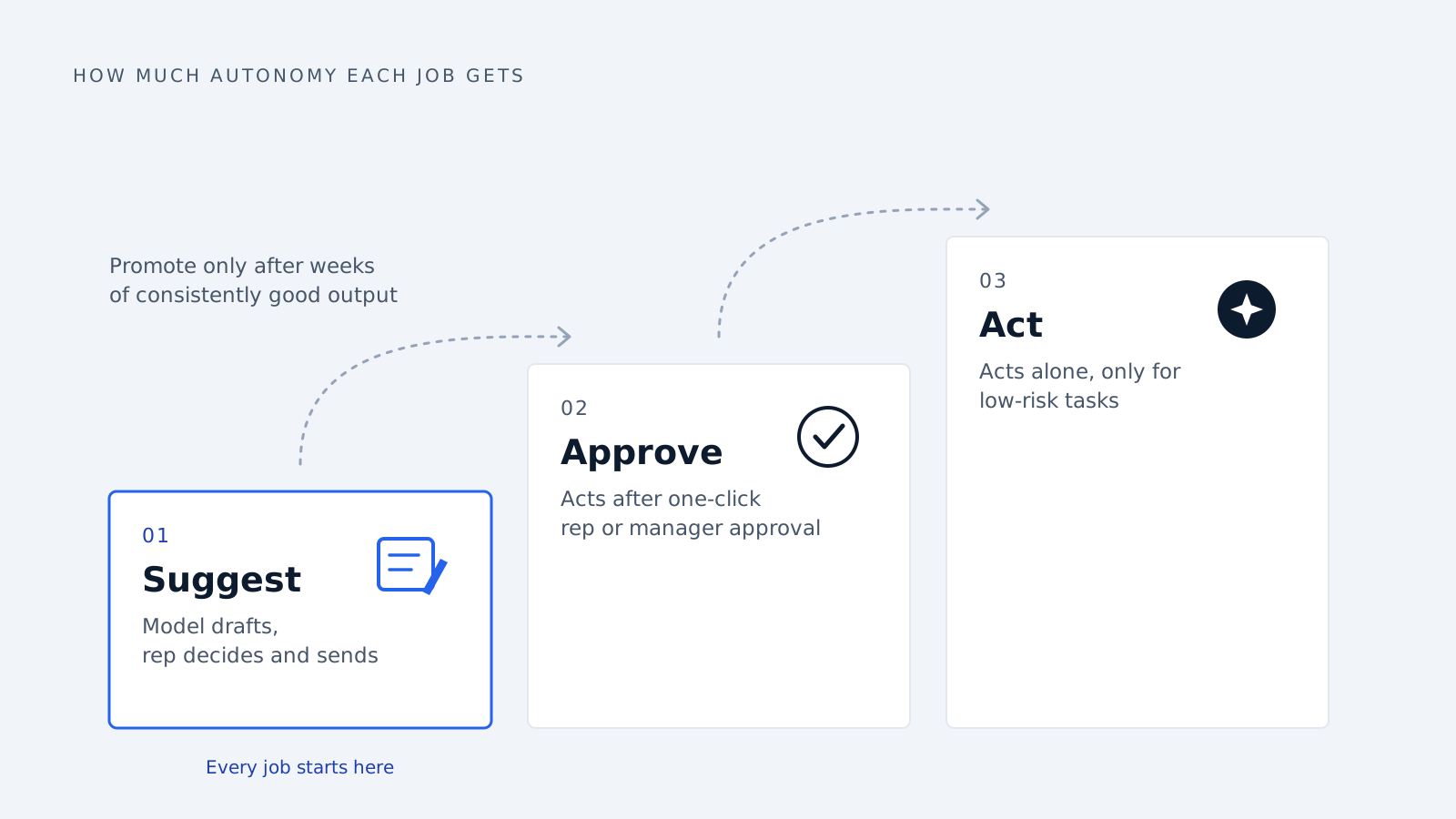
Then decide, job by job, how much autonomy it gets:
- Suggest: the model drafts, the rep decides and sends.
- Approve: the model acts after a one-click rep or manager approval.
- Act: the model acts alone, only for low-risk tasks such as logging call notes.
Every job should start at level one. Promote it only after its output has been consistently good for several weeks.
Step 6: Test, measure and improve
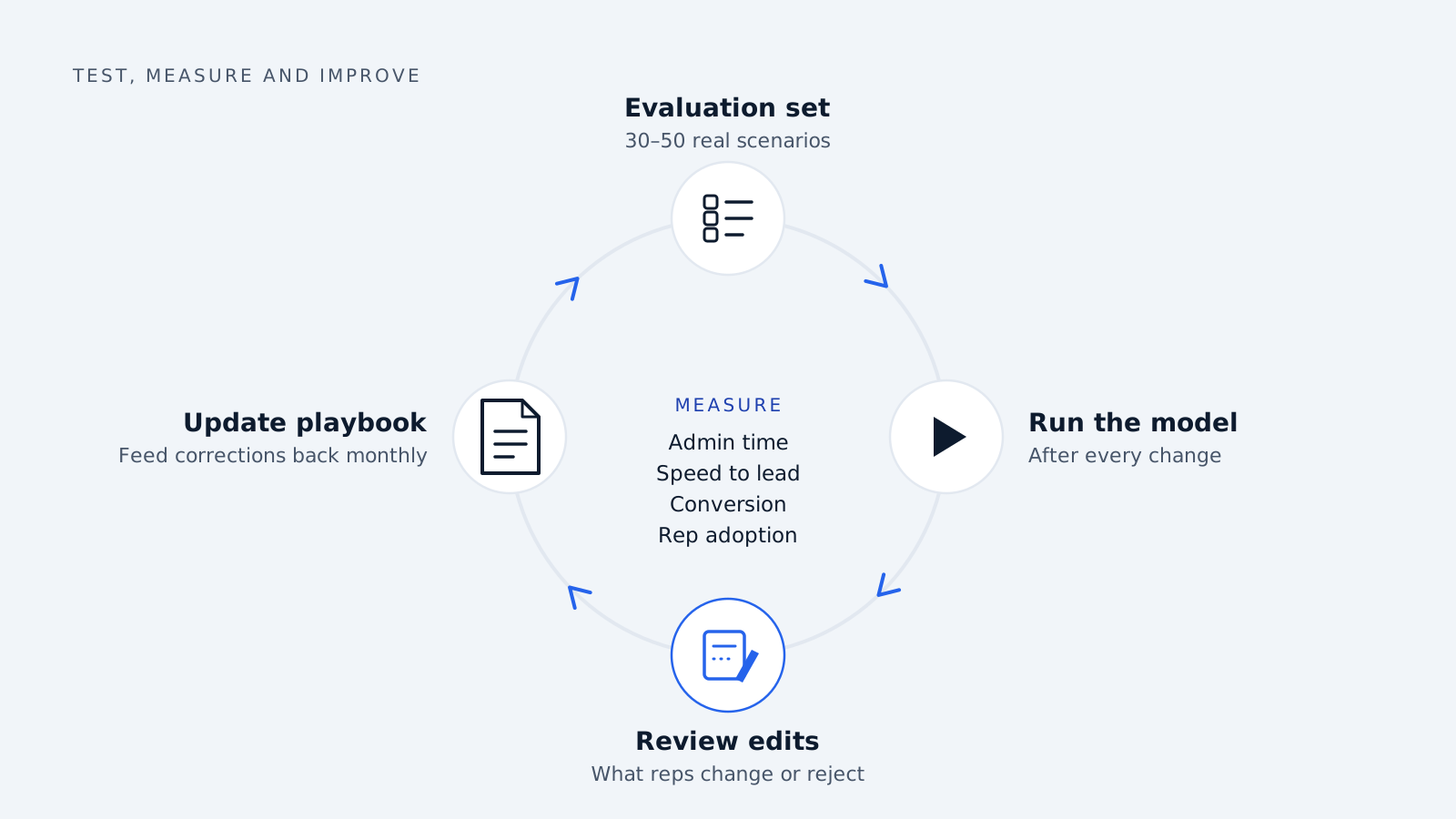
Build a small evaluation set before launch: 30 to 50 real scenarios, such as a lead to qualify, an objection to answer or a call to summarize, with a good answer written by your best rep. Run the model against it every time you change the instructions or data, so you know whether a change helped or hurt.
Then track business results, not just output quality:
- Time reps spend on admin and research per week
- Speed to first response on inbound leads
- Lead-to-meeting and meeting-to-opportunity conversion rates
- Rep adoption: how often suggestions are used or edited
Review what reps edit or reject. Those corrections are the best training data you will get, so feed them back into your playbook and examples every month.
Common mistakes to avoid
- Starting too broad. Launching ten use cases at once means none get tuned properly.
- Training on bad data. A CRM full of duplicates and empty fields teaches the model bad habits.
- Skipping the playbook. Without your messaging and rules written down, the model falls back on generic sales language.
- Removing humans too early. Let reps review output until it has earned trust.
- No owner. Assign one person in sales ops to maintain the data, playbook and evaluation set. Unowned systems drift.
- Measuring activity instead of outcomes. More emails sent is not the goal. More qualified meetings is.
Where to start
You do not need a data science team to make AI useful in sales. Pick two narrow jobs, clean the data behind them, write your playbook down, connect the model to your CRM, and keep reps in control while you measure results. Most mid-sized teams can have a first working version in weeks, not quarters.
At Delynt, we build and train AI solutions around your sales and marketing process, your data and your tools. If you want help scoping a first use case, get in touch and we will map out where AI can save your team the most time.
How we write, source and correct our articles:editorial policy.
Related reading
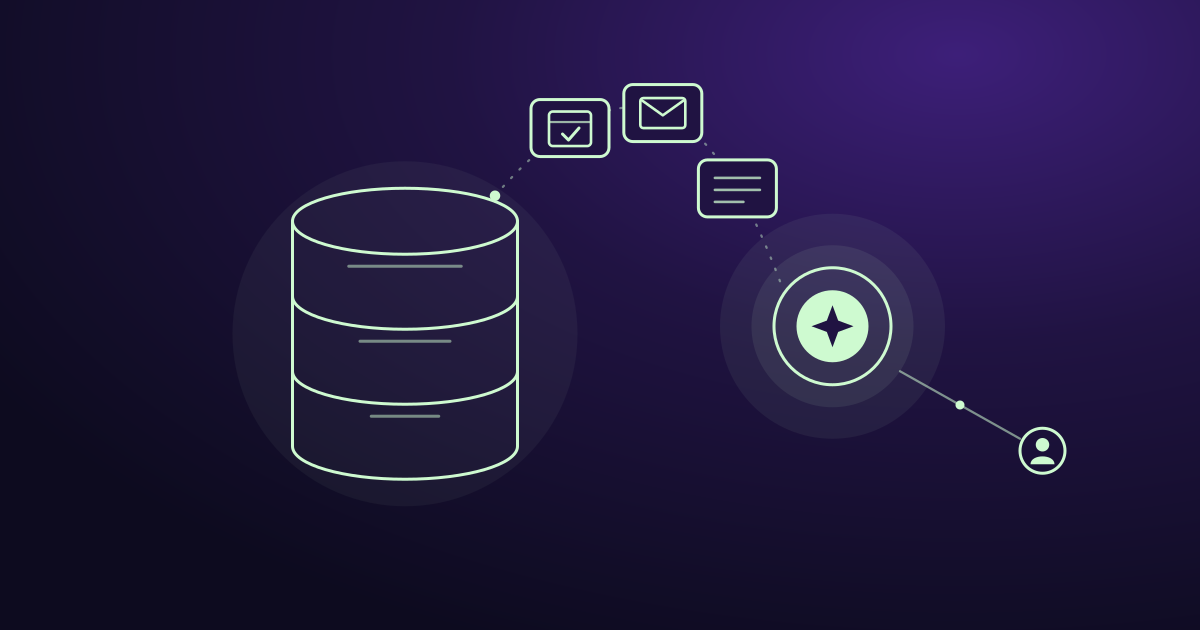
Is AI Replacing CRM? No, Here's What It's Replacing
AI isn't replacing your CRM. It's replacing the manual work around it: data entry, slow lead replies, forgotten follow-ups, and guessing who to call next.
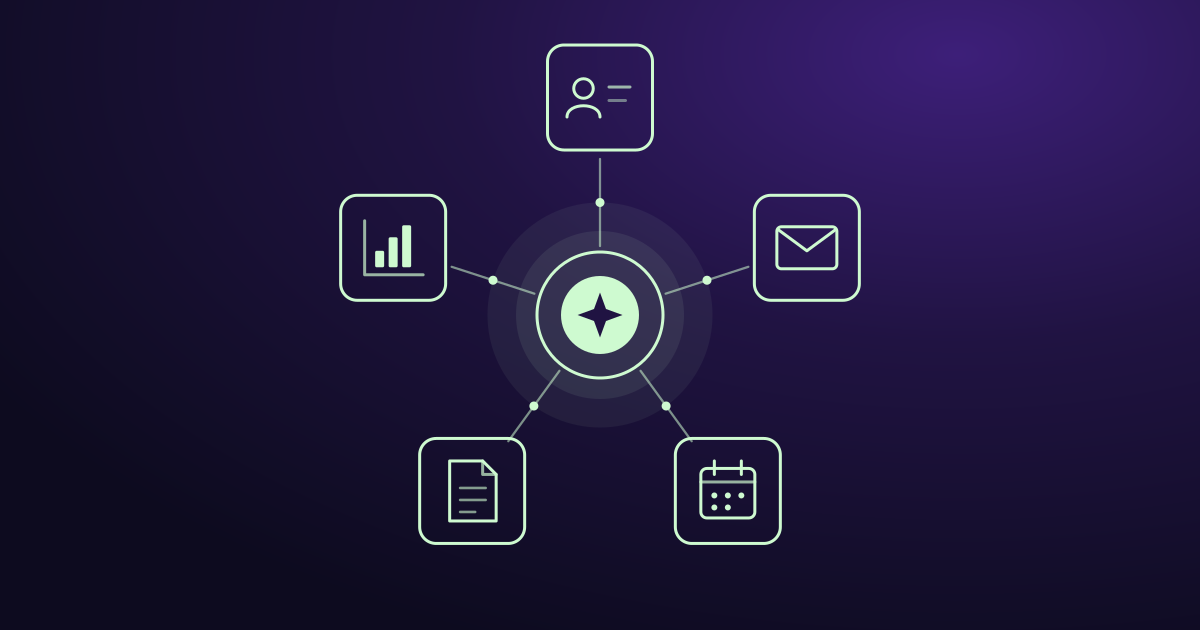
AI Agent Integration: How to Connect AI to Your Business Tools
AI agent integration connects AI to your CRM, email, and other business tools so it can use your real data and do real work. Here is how it works, what to watch out for, and how to get started.
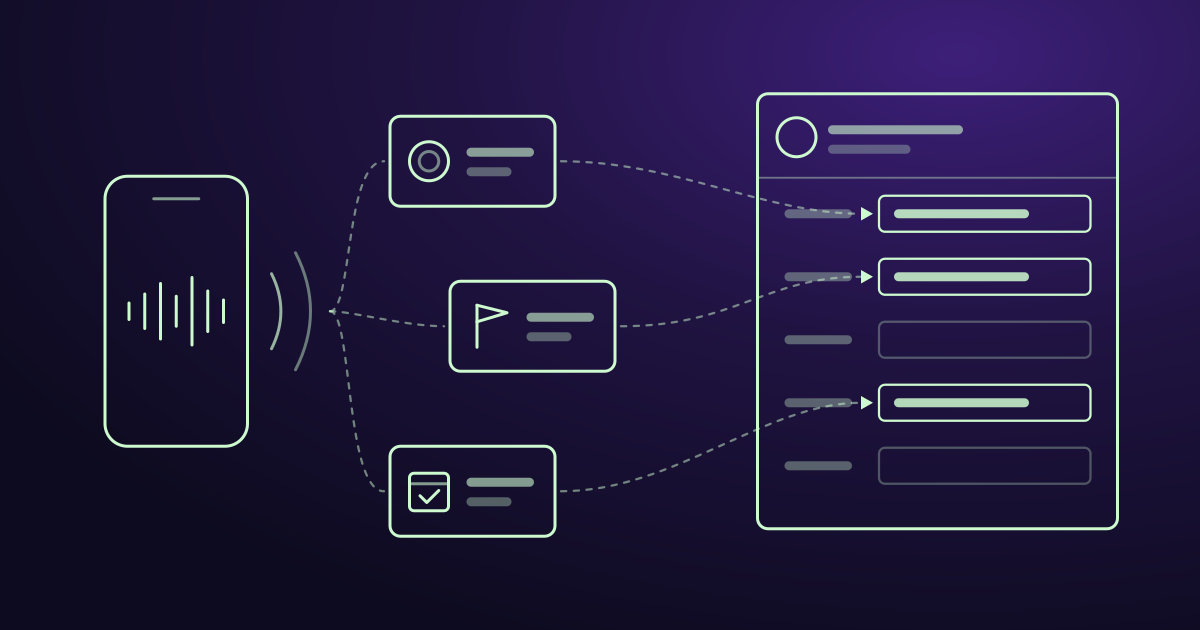
Where to Find AI Conversation Analytics With CRM Integration
AI conversation analytics records your sales calls and puts the key details into your CRM. Here is where to find it, what it costs, and how to pick the right tool.
Ready when you are
See it read your own sales mailbox
Twenty minutes, on a real mailbox, with no slides. Gmail, Google Workspace, Outlook and Microsoft 365.