AI Agent Integration: How to Connect AI to Your Business Tools
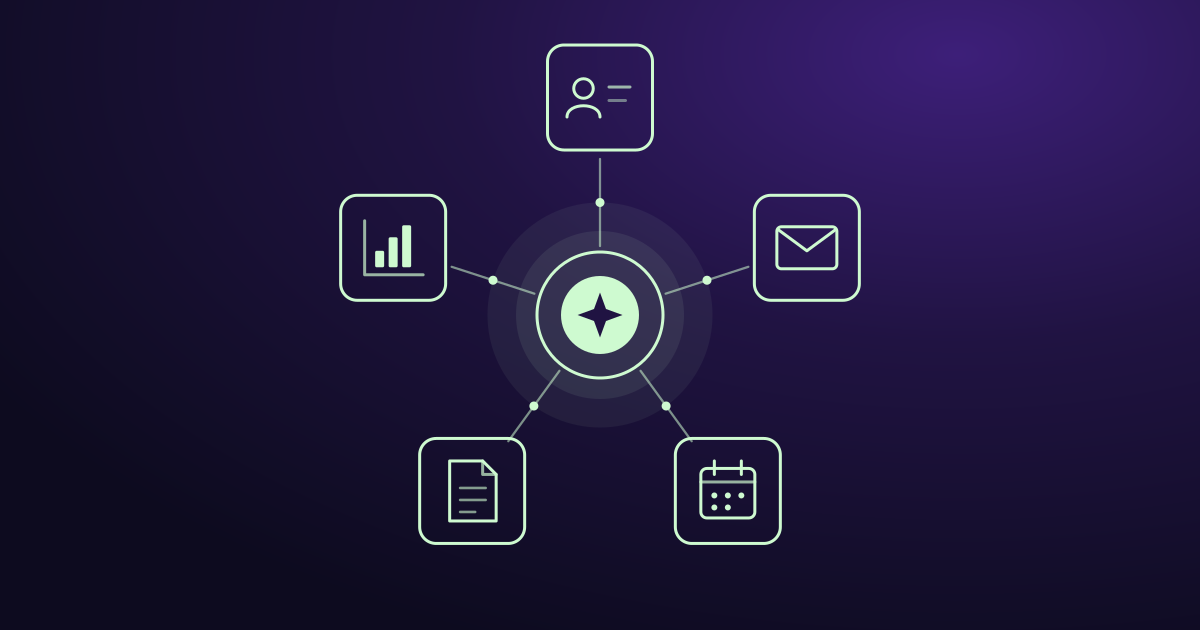
On its own, an AI tool only knows what you type into it. It can’t see your customers, your deals, your emails, or your sales numbers. So it gives general answers, and you still have to do the actual work yourself.
AI agent integration changes that. It connects AI to the tools your business already uses, like your CRM, email, and calendar. Once connected, the AI can look up your real data and do useful work with it.
This guide explains what AI agent integration is, what you can connect, how it works, why many projects fail, and how to get started the right way.
What is AI agent integration?
AI agent integration means connecting an AI system to your business data and tools so it can find information, make sense of it, and take action.
Here is a simple example. A customer emails asking about an order. Without integration, the AI can only write a general reply. With integration, it can check your CRM for the customer’s history, look up the order status, and draft a reply with the right details. A person on your team checks the reply and sends it.
The AI is the same in both cases. The difference is what it can see and what it’s allowed to do.
At Delynt, we call this the AI layer: AI that sits on top of the systems you already run and works with your real data.
Why AI needs to be connected
AI without access to your data is guessing. Here’s what connecting it gives you:
- Real answers, not general ones. The AI uses your customers, your deals, and your numbers.
- Less copying and pasting. Nobody has to move data from one tool to another by hand.
- Less switching between apps. Information from several tools shows up in one place.
- Work that happens on its own. Routine tasks get done without someone remembering to do them.
What you can connect
Most businesses start with the tools where their customers and sales data live:
- CRM (Salesforce, HubSpot, Zoho, Pipedrive): customer records, deals, and sales history.
- Email (Gmail, Outlook): customer questions, leads, and follow-ups.
- Calendar: meetings and availability.
- Documents (Google Drive, SharePoint): price lists, contracts, and product information.
- Analytics (Google Analytics, ad platforms): website visitors, campaigns, and conversions.
- Phone and chat: call notes and customer conversations.
- Messaging (Slack, Teams, Telegram): where your team gets alerts and updates.
You don’t need to connect everything at once. Start with the one or two tools where the most time is wasted.
Two kinds of access: reading and doing
Connecting AI to a tool can mean two different things. It helps to know the difference, because it affects both what the AI can do and how much risk you take on.
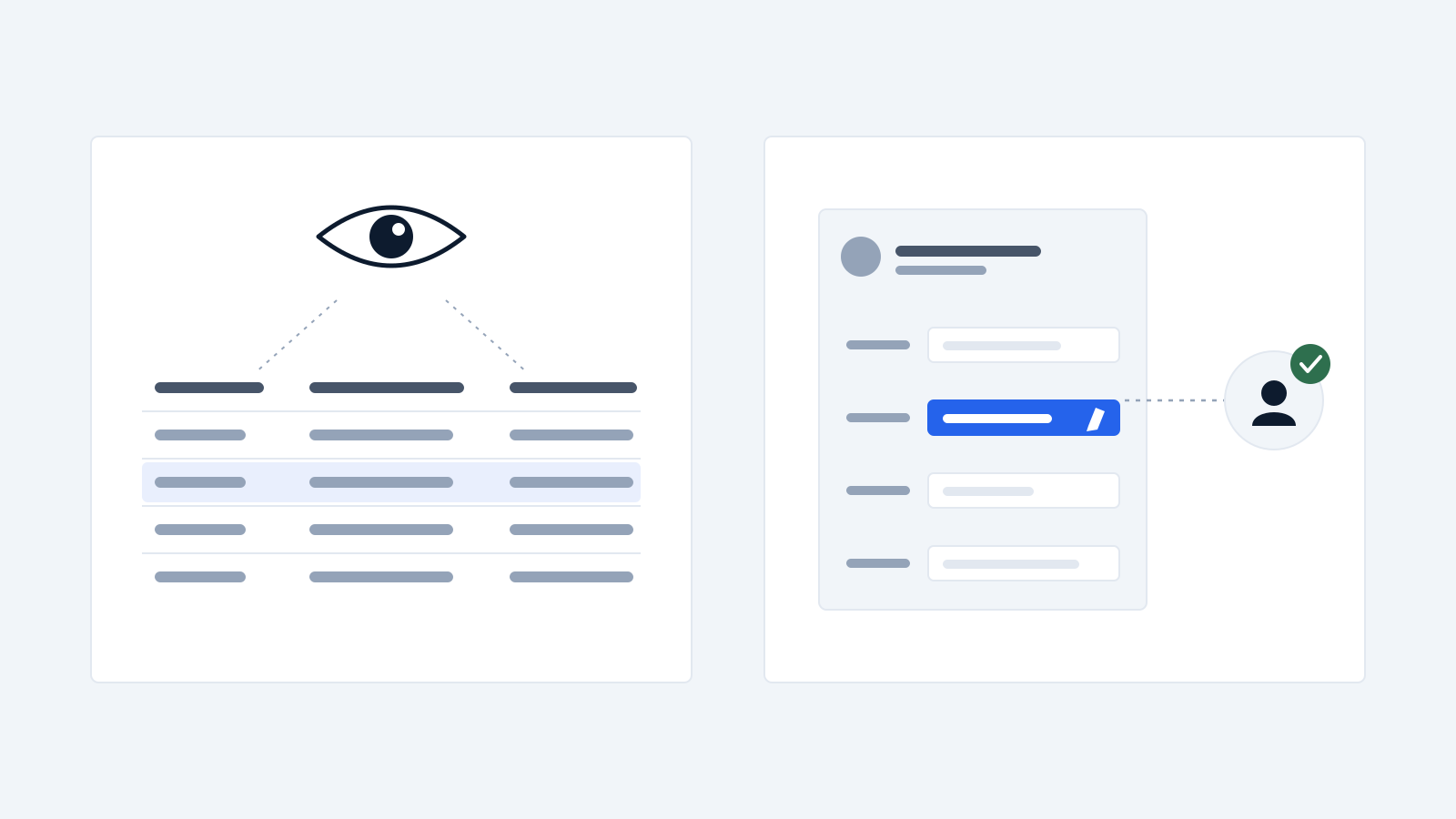
- Read access. The AI can look at your data but can’t change anything. It can answer “Which deals haven’t been updated in two weeks?” or “Which new leads look real?” This is lower risk and a good place to start.
- Action access. The AI can make changes, like updating a CRM record, creating a task, sending a notification, or drafting an email. This saves more time but needs more care. The safest setup is for the AI to prepare the action and a person to approve it.
A good rule: give the AI only the access it needs for the job, and nothing more.
How AI agent integration works
You don’t need to be technical to understand the basics. Most integrations follow the same steps:
- You connect the tool. You sign in to your CRM or email through its own secure login screen and approve access. This usually uses a standard called OAuth, the same thing that happens when you “Sign in with Google” on a website. You never hand over your password.
- You choose the permissions. You decide what the AI can see (for example, one inbox, not all of them) and what it can do (for example, read only, or read and update).
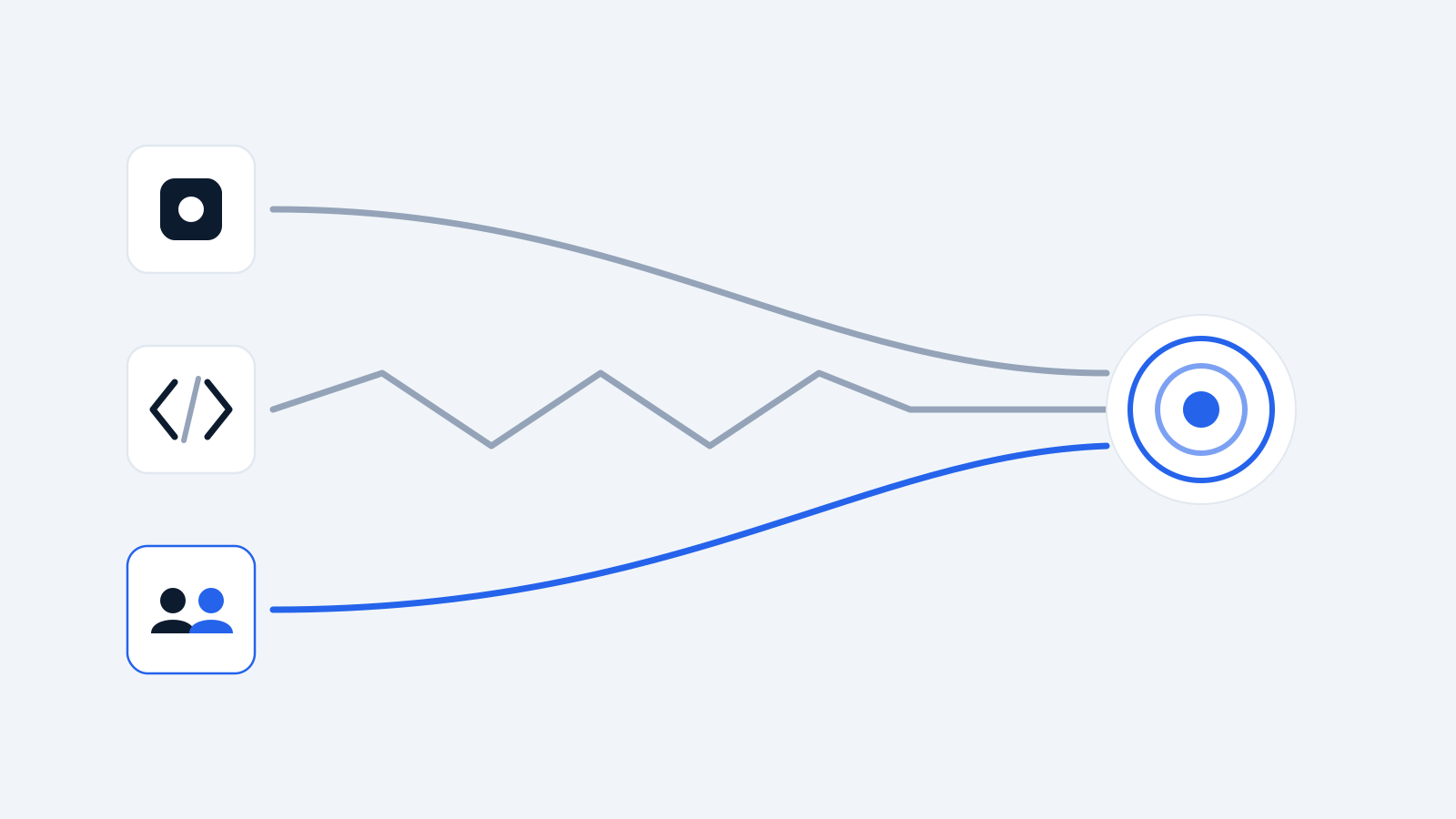
- The AI gets the data it needs. When there’s a task, the AI pulls the relevant information from the connected tools. It doesn’t need to copy your whole database. It fetches what it needs for that task.
- The AI does the work. It answers the question, sorts the leads, fills in the fields, or prepares the action.
- A person stays in control. For anything important, a person reviews and approves. You can remove the AI’s access at any time from the tool’s own settings.
A note on new standards: You may hear about MCP (Model Context Protocol). It’s a common standard that makes it easier to connect AI to different tools, a bit like how USB made it easier to plug devices into computers. You don’t need to know how it works, but it’s one reason connecting AI to business tools is getting faster and cheaper.
Three ways to do it
1. Use the AI built into your tools
Many business tools now include their own AI. Salesforce has Agentforce, and HubSpot has Breeze. These work well inside their own tool because the data is already there.
- Good for: businesses that use one main platform for almost everything.
- Downside: they work best inside their own tool. They’re less helpful when your data is spread across several apps, and the AI features often need a more expensive plan.
2. Build it yourself with developer tools
Companies like Composio, Paragon, and Merge sell tools that help developers connect AI to hundreds of apps. They handle the hard parts, like secure logins and keeping connections working.
- Good for: software companies adding AI to their own products, or businesses with an in-house tech team.
- Downside: you need developers to build it and keep it running. Connecting one AI to one app is easy. Making it work reliably across all your tools, and keeping it working when those tools change, is much harder.
3. Work with a company that does it for you
A specialist company connects AI to your tools, sets it up for your business, and keeps it running.
- Good for: small and mid-size businesses without a tech team that want results, not a project.
- Downside: you depend on the provider, so check their security and how easily you can switch off access.
Why many AI projects fail
The honest truth is that many AI projects never deliver. Gartner predicts that more than 40% of agentic AI projects will be canceled by the end of 2027. The three reasons it gives are rising costs, unclear business value, and weak risk controls.
Gartner also notes that connecting AI to older systems can be complex, disrupting workflows and needing costly changes.
There’s also a lot of false marketing. Gartner has estimated that only about 130 of the thousands of vendors selling “AI agents” offer real agent technology. Many are chatbots or older automation tools with a new label.
Most failures come down to a few mistakes:
- Starting without a clear goal. “Use AI to be more efficient” is not a goal. “Stop missing new leads in our sales inbox” is.
- Starting too big. Trying to automate everything at once, instead of one task that matters.
- Messy data. If your CRM is full of old and duplicate records, the AI will give poor results.
- Too much access, too little control. Giving AI broad permissions with no one checking its actions.
- No one owns it. Nobody is responsible for checking whether it’s working.
Questions to ask before you connect anything
Before you give any AI tool access to your business data, get clear answers to these:
- What exactly can it see? Can you limit it to certain inboxes, records, or folders?
- What can it change? Is it read-only, or can it take actions? Do actions need approval?
- Where is your data stored? Is it copied to the vendor’s servers or read from your tools when needed? This matters a lot if you have customers in the EU.
- Is your data used to train AI models? The answer should be no, unless you agree to it.
- Is your data kept separate from other customers? Ask how.
- Can you switch off access yourself? You should be able to remove access anytime, from your own account settings, without asking the vendor.
- Is there a record of what it did? You should be able to see what actions the AI took and why.
If a vendor can’t answer these clearly, don’t connect your data.
How to get started
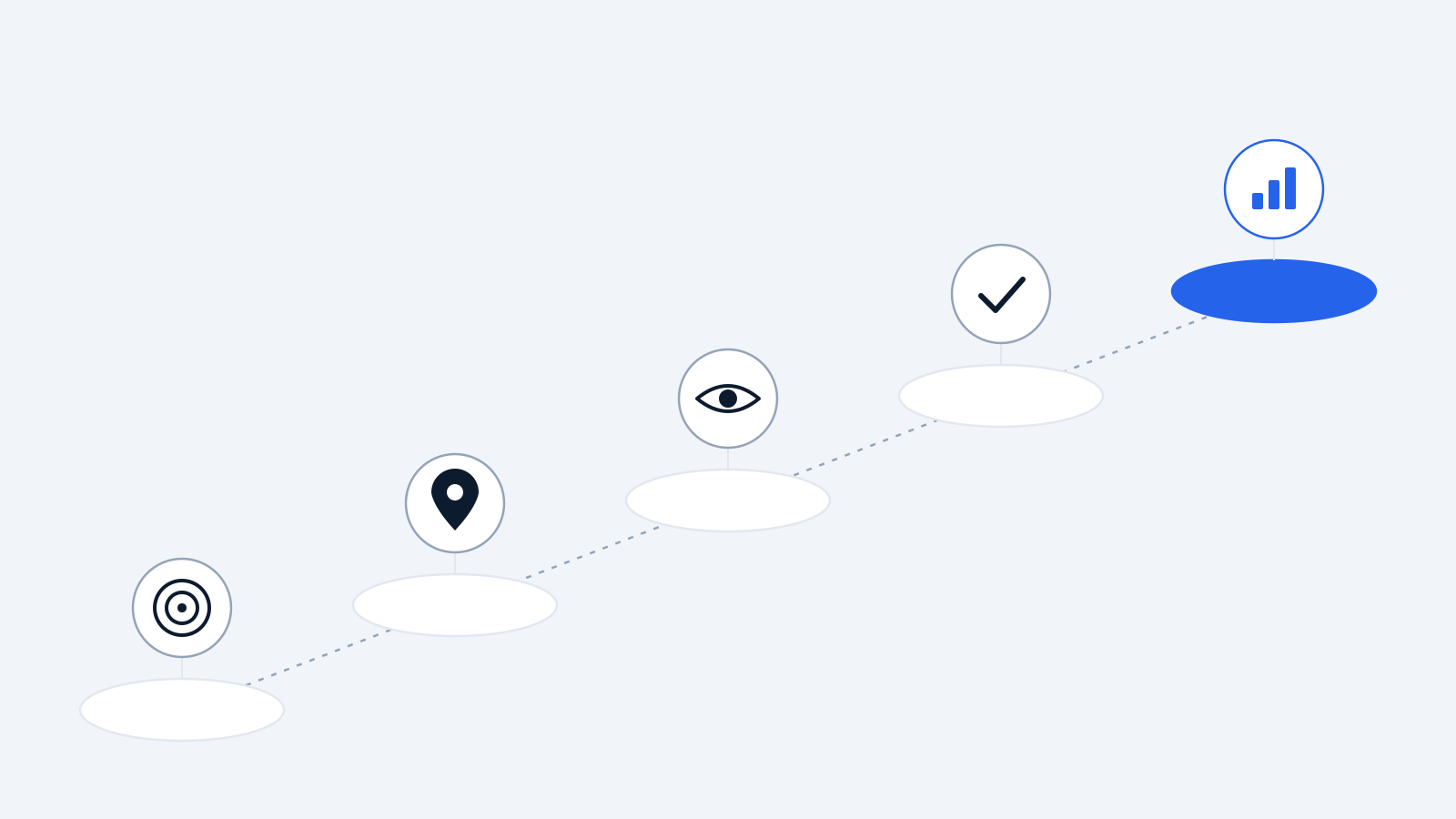
Step 1: Pick one problem. Choose one task that costs your team time or money every week. For example, leads getting missed, CRM records not updated, or follow-ups forgotten.
Step 2: Find where the data lives. List the tools involved in that task. Usually it’s two or three, like email plus your CRM.
Step 3: Start with read access. Let the AI read and report before it takes any action. Check that its answers are right.
Step 4: Add actions with approval. Once you trust the results, let it prepare actions, like updating records or drafting replies, with a person approving each one.
Step 5: Measure the result. Compare before and after. How many leads were answered? How much time was saved? If you can’t measure it, you can’t tell if it’s working.
Then move to the next problem.
Where Delynt fits
Delynt builds AI solutions for businesses, focused on sales and marketing. We connect an AI layer to the tools you already use, so AI can work with your real customer and sales data, while you stay in control of what it can see and do.
If you want AI connected to your sales and marketing tools without building it yourself, see our solutions or read about CRM integrations.
Common questions
What is AI agent integration in simple terms? It means connecting AI to your business tools, like your CRM and email, so it can use your real data and do real tasks, instead of only answering general questions.
Is it safe to connect AI to my CRM or email? It can be, if you choose a provider that limits access to what’s needed, doesn’t use your data to train models, keeps your data separate from other customers, and lets you remove access yourself at any time.
Do I need developers to do this? Not always. Built-in AI tools and done-for-you providers need little or no technical work. Building your own integration usually needs developers.
How much does AI agent integration cost? It depends on the approach. Built-in AI often requires a higher-priced plan of your existing tool. Building it yourself costs developer time plus platform fees. Done-for-you providers usually charge based on what you connect and how much you use it.
What should I connect first? Start where the most time or money is being lost. For most sales teams, that’s the CRM and the sales inbox.
Why do so many AI projects fail? Gartner points to rising costs, unclear business value, and weak risk controls. Starting with one clear, measurable problem is the best way to avoid this.
How we write, source and correct our articles:editorial policy.
Related reading
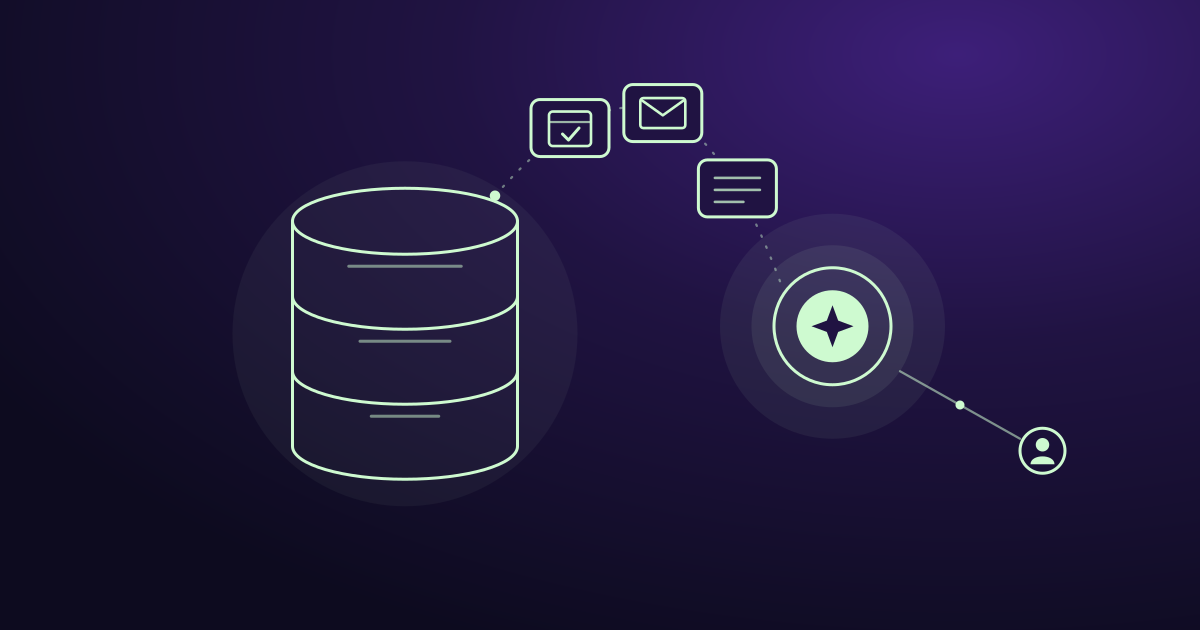
Is AI Replacing CRM? No, Here's What It's Replacing
AI isn't replacing your CRM. It's replacing the manual work around it: data entry, slow lead replies, forgotten follow-ups, and guessing who to call next.
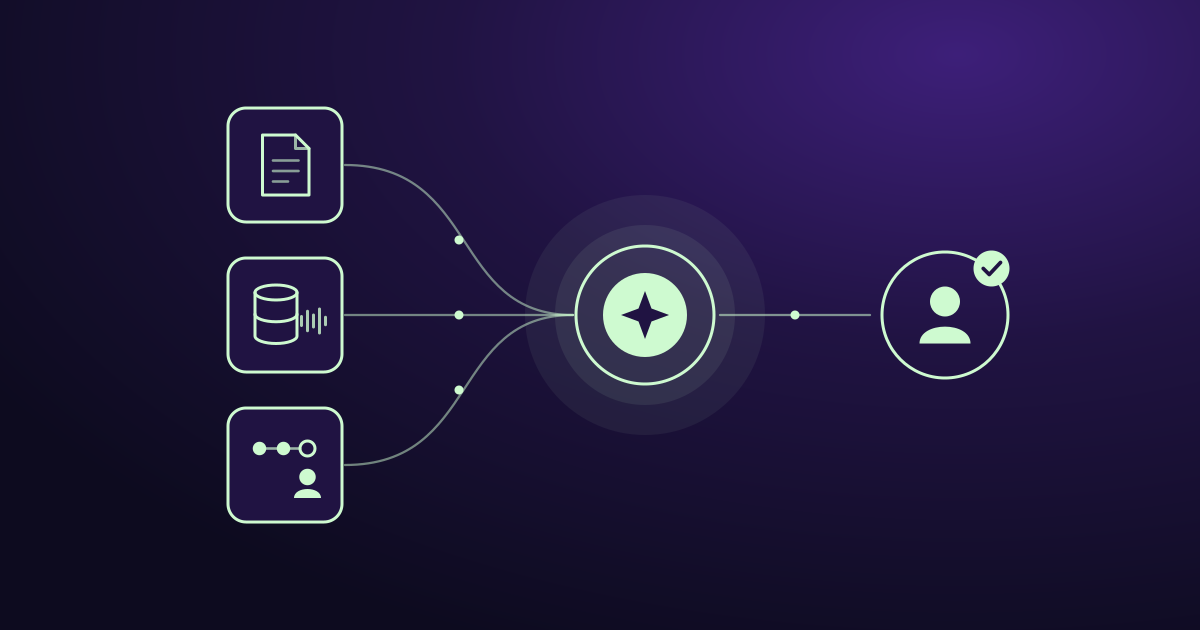
How to Train an AI Model for Your Mid-Sized Company's Sales Team
Training AI for sales means teaching a capable model your buyers, playbook and data, not building one from scratch. Six practical steps for mid-sized teams.
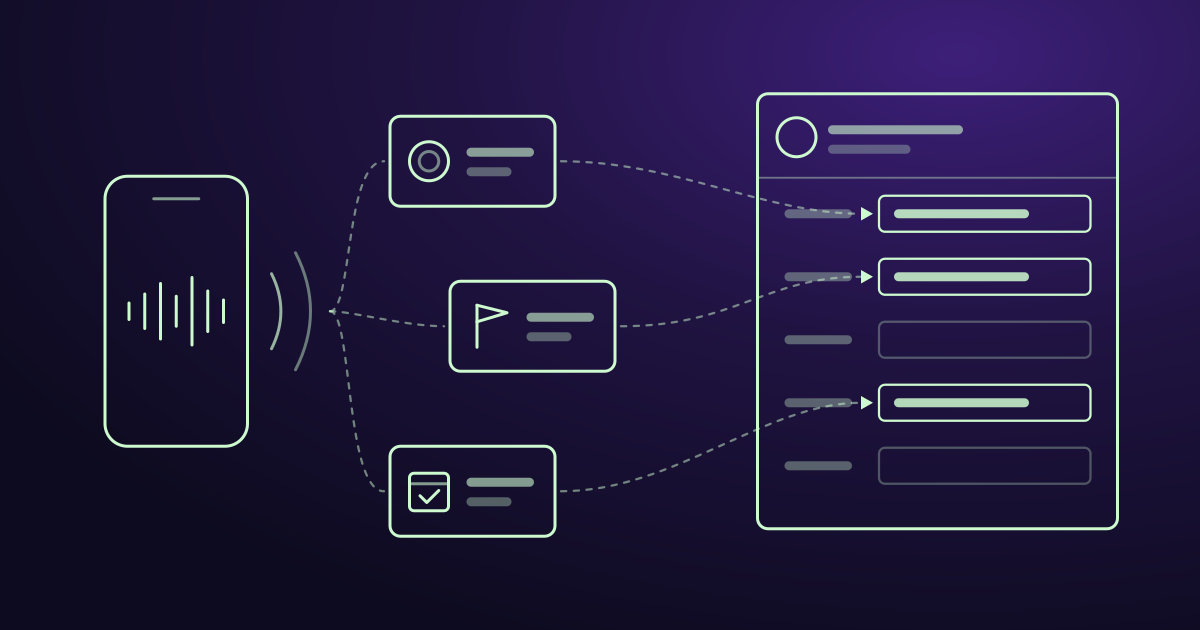
Where to Find AI Conversation Analytics With CRM Integration
AI conversation analytics records your sales calls and puts the key details into your CRM. Here is where to find it, what it costs, and how to pick the right tool.
Ready when you are
See it read your own sales mailbox
Twenty minutes, on a real mailbox, with no slides. Gmail, Google Workspace, Outlook and Microsoft 365.