How to Integrate AI Automation Into a CRM System: A Practical Guide for B2B Sales Teams
Most CRM systems are not underused because sales teams are lazy. They are underused because the CRM asks reps to do clerical work that produces no revenue. Logging calls, updating deal stages, re-typing quote details, chasing a contact who went quiet three weeks ago. None of it closes business, and all of it competes with the work that does.
AI automation changes that equation, but only when it is integrated deliberately. Attaching a chat window to a pipeline view is not integration. Real integration means an AI CRM automation agent that reads your systems, acts inside them, and hands work back to a human at the point where judgment actually matters.
This guide covers what those agents do, the benefits sales teams see, the features that separate a serious AI-driven CRM solution from a demo, and a practical sequence for rolling one out without breaking your data.
What Is an AI CRM Automation Agent?
A traditional CRM automation is a rule. If a deal enters Proposal, send template email #4. If a form is submitted, create a lead and assign it round-robin. The logic is fixed, and it breaks the moment reality is slightly different from the rule.
An AI CRM automation agent works differently. It observes a signal (an inbound email, a completed call, a stalled deal), interprets it in context, decides what should happen, and then executes across one or more systems. Instead of “send template #4,” it can read what the buyer actually said on the last call, check whether the quote has been issued, draft a follow-up that references the specific objection raised, and route it to the rep for approval.
The distinction matters commercially. Rule-based automation reduces clicks. Agentic automation reduces work. The first makes a CRM faster to operate; the second makes it capable of doing things nobody had time to do at all, such as reviewing every dormant account in the pipeline every morning.
Why Most CRMs Fail Sales Teams Before AI Enters the Picture
Before integrating anything, it is worth being honest about where the time actually goes. Across B2B sales organisations, the same four failures repeat:
Data entry consumes selling time. Reps routinely spend well over half their week on non-selling activity. Much of that is administrative maintenance of the CRM itself.
Response speed collapses on inbound. Lead response time is one of the strongest predictors of conversion, yet inbound enquiries frequently sit for hours in a shared inbox before anyone qualifies them.
Records go stale between touchpoints. A discovery call surfaces a new stakeholder, a revised volume requirement, a competitor in the mix. If none of that reaches the CRM, the next conversation starts from a worse position than the last one ended.
Forecasts are built on fiction. When half of the pipeline has no recent activity note and no documented next step, forecast accuracy becomes a matter of managerial intuition.
AI automation is worth deploying because it attacks these four failures directly. If you cannot map a proposed automation to one of them, it is probably a feature looking for a problem.
What Are the Key Benefits of AI-Powered CRM Automation for Sales Teams?
1. Reps get selling hours back
The most immediate and measurable benefit is administrative elimination. When an agent transcribes the call, extracts the commitments, updates the deal record, and creates the follow-up task, the rep’s post-meeting overhead drops from fifteen minutes to zero. Multiply that across a team and a quarter, and the recovered capacity is equivalent to additional headcount without additional cost.
2. Inbound leads get qualified in minutes, not hours
An agent monitoring the inbound channel can screen an enquiry the moment it arrives: is this a genuine buyer or a vendor pitch, does the company match the ideal customer profile, what are they actually asking for, and how urgent does it read. The rep receives a scored, summarised lead instead of a raw email, and the first human response happens inside the window where it still influences the outcome.
3. CRM data quality improves rather than decays
This benefit is underrated. Because the agent writes records automatically from primary sources, coverage rises and consistency improves. Fields that were optional in practice become reliably populated. Every downstream system that depends on CRM data, including reporting, routing, and forecasting, gets better as a side effect.
4. Nothing falls through the cracks
Agents do not get busy. An agent reviewing the pipeline nightly for deals with no activity in fourteen days, no scheduled next step, or an unanswered proposal will surface every one of them, every time. For most teams this alone recovers revenue that was previously lost to inattention rather than to competitors.
5. Personalisation becomes feasible at volume
Genuinely tailored outreach has always outperformed templates, and has always been too slow to do at scale. An agent with access to the account history, the last conversation, and the company’s public context can draft outreach that reads as though someone thought about it, because in a meaningful sense something did. The rep edits and approves rather than writing from scratch.
6. Managers get pipeline visibility that reflects reality
When activity is captured automatically, pipeline review stops being an archaeology exercise. Managers can ask what changed this week, which deals slipped and why, and where risk is concentrated, and receive answers grounded in recorded activity rather than optimistic self-reporting.
7. Onboarding accelerates
New reps inherit a CRM that actually contains the history of every account. Instead of asking a colleague what happened with a customer two years ago, they read a synthesised account summary. Ramp time compresses.
What Are the Top Features to Look for in an AI-Driven CRM Solution?
Not every product marketed as AI-driven deserves the label. These are the features that separate a working system from a demo.
Native, bidirectional integrations. The agent must both read from and write to your CRM, and ideally to the surrounding stack: email, calendar, quoting or ERP systems, and your website. Read-only AI produces summaries nobody acts on. Write-only AI produces records nobody trusts. Check specifically which objects and fields the integration supports, not just that a logo appears on a partners page.
Automatic activity capture from primary sources. Look for capture from email, calendar, and call recordings without the rep initiating it. If capture depends on someone remembering to press a button, adoption will decay within a month.
Explainable outputs with traceable sources. Every AI-generated field, score, or summary should link back to the underlying evidence: the specific email, the timestamp in the call, the document. Reps will not trust a lead score presented as a number with no reasoning attached. Explainability is not a nice-to-have; it is the adoption mechanism.
Human-in-the-loop controls. The system should let you choose, per workflow, whether the agent acts autonomously or drafts for approval. Outbound communication in particular should require explicit approval by default. A system that auto-sends email on your behalf from day one is a reputational risk, not a productivity gain.
Ideal-customer-profile-aware scoring. Generic lead scoring based on demographic fields is barely better than sorting by company size. Strong solutions let you define what a good fit means in your business and score against that definition, including unstructured signals from the enquiry itself.
Genuine multi-tenant data isolation. If the vendor is a SaaS provider, ask directly how your data is separated from other customers’ data, where it is stored, and whether it is used for model training. For regulated or IP-sensitive industries, ask whether the system can operate on data held in your own infrastructure rather than copying it into theirs.
Configurable workflows without engineering time. Your sales process is not the vendor’s reference process. You need to be able to change what triggers an agent, what it checks, and where the output goes, without filing a development ticket.
Audit logging and evaluation tooling. Every action the agent takes should be logged and reviewable. Model behaviour drifts over time and across model versions; without a record and a way to test against known cases, you will discover degradation through a customer complaint rather than a dashboard.
Honest scoping of what is actually shipped. The most practical feature test in this market: ask the vendor which capabilities are live today with paying customers, and which are on the roadmap. Many AI CRM products are sold on the roadmap. Buy the shipped product, evaluate it, and treat the rest as an option rather than a promise.
The Four Layers Where AI Plugs Into a CRM
Integration becomes far less abstract when you think in layers. Each has a different implementation pattern and a different risk profile.
Layer 1: Capture. The agent ingests calls, emails, forms, and documents, extracts structured entities, and writes them to CRM records. Lowest risk, highest immediate return, and the layer that makes everything above it work.
Layer 2: Enrichment and scoring. Incoming records are enriched with firmographic and contextual data, then scored against your ICP. This is where you decide what “good” looks like in machine-readable terms.
Layer 3: Orchestration. The agent reasons across systems and takes multi-step action: check the quote status, review the thread history, draft the follow-up, flag the risk, update the stage. This is where agentic automation separates from rule-based automation.
Layer 4: Interface. The CRM becomes conversational. Reps and managers query in natural language and receive synthesised answers with citations back to source records, instead of navigating six tabs and a saved view.
Build upward. Layer 3 orchestration on top of Layer 1 data you do not trust will produce confident, well-written, wrong actions.
Choosing an Integration Approach
Native CRM AI features (HubSpot, Salesforce, Pipedrive and similar) are the fastest starting point and worth using if they cover your primary use case. The limitation is scope: they reason over their own data and rarely reach into your ERP, quoting tool, or technical documentation.
Direct API integration is the workhorse. You call a model provider, read and write CRM records through the CRM’s REST API, and own the logic. Fast to prototype, transparent about its limits, and straightforward to change later.
iPaaS and middleware (Zapier, Make, n8n) now include AI nodes and suit short chains of steps without engineering investment. They struggle once you need memory across steps, retries, or reasoning over long context.
Agent frameworks and agent platforms support multi-step autonomous work and are where the category is heading. The trade-off is operational complexity: agents fail in less predictable ways than scripts, so evaluation and logging become mandatory rather than optional.
A Practical Rollout Sequence
- Audit the data first. Deduplicate contacts, standardise stage definitions, and fix the fields nobody fills in. AI amplifies whatever is already in the CRM, including the mess.
- Choose one high-friction workflow. Meeting-to-CRM capture and inbound lead triage are the two most reliable starting points because both have obvious before-and-after metrics.
- Define success numerically before you build. Response time, activity coverage, hours returned per rep per week. Without a baseline you cannot tell whether the project worked.
- Pilot with one team. Small enough to support closely, large enough to produce signal.
- Keep a human checkpoint for the first four to six weeks. Reps review AI-written fields and drafted messages before they commit. This is how you catch errors before they contaminate the database.
- Instrument everything. Log every action, source, and output. You need the trail for debugging and for the trust conversation with your team.
- Expand only once the pilot is boring. When the first workflow runs a full month without incident, add the next layer.
Mistakes That Sink CRM AI Projects
- Automating on top of bad data. Fix the schema before the prompts.
- Hiding the agent’s reasoning. Invisible automation is distrusted automation. Show the source every time.
- Ignoring the systems outside the CRM. In manufacturing and other quote-driven businesses, the CRM holds half the truth. An agent that cannot see lead times or quote status will draft confident messages that contradict operations.
- Skipping evaluation. Model outputs drift. Without a fixed test set and periodic review, quality degrades silently.
- Launching autonomous outbound on day one. Start with draft-and-approve. Earn autonomy workflow by workflow.
Frequently Asked Questions
How long does it take to integrate an AI CRM automation agent? A single well-scoped workflow, such as automatic activity capture, can be piloted in two to four weeks including data cleanup. Multi-system orchestration realistically takes a quarter.
Will AI automation replace sales reps? It replaces the administrative portion of the role, not the relationship portion. The teams that benefit most redeploy the recovered hours into more conversations, not into headcount reduction.
Do we need to change CRM to adopt AI automation? Usually not. Most major CRMs expose APIs sufficient for integration. Migrating platforms and introducing AI at the same time multiplies risk without multiplying return.
What does it cost? Model inference costs for typical sales volumes are modest. The real cost is integration effort and change management, which is why narrow scoping at the start matters more than tooling choice.
Where This Is Heading
The CRM as a data-entry form is ending. What replaces it is a system of record maintained by agents, where logging, screening, chasing, and first-draft thinking happen automatically, and humans spend their time on judgment, negotiation, and relationships.
The teams that get there first, particularly in under-tooled B2B verticals like manufacturing, will hold real advantages in response speed, forecast accuracy, and win rate. The integration work is unglamorous, and it starts with clean data and one workflow. But it is the difference between a CRM that reflects reality and one your reps quietly work around.
How we write, source and correct our articles:editorial policy.
Related reading
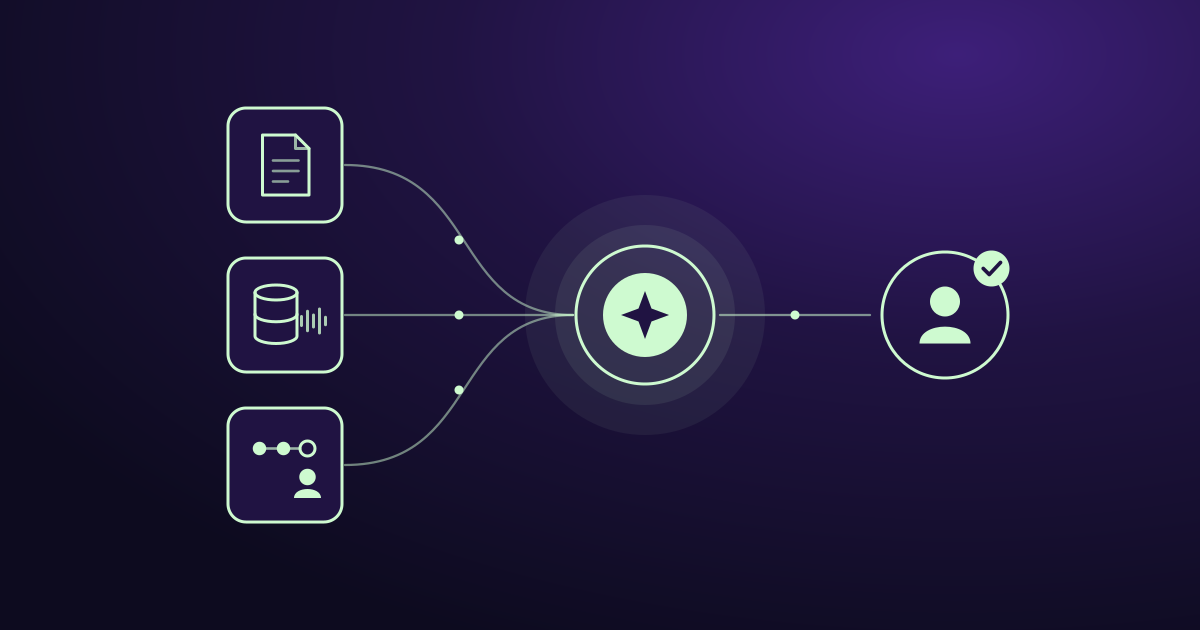
How to Train an AI Model for Your Mid-Sized Company's Sales Team
Training AI for sales means teaching a capable model your buyers, playbook and data, not building one from scratch. Six practical steps for mid-sized teams.
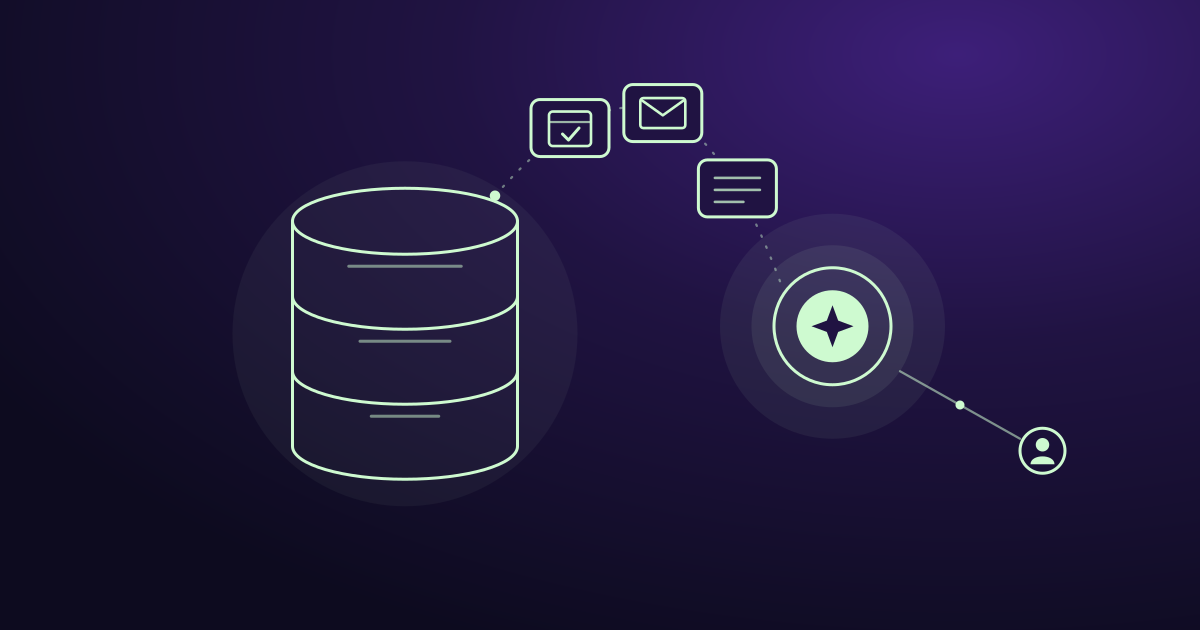
Is AI Replacing CRM? No, Here's What It's Replacing
AI isn't replacing your CRM. It's replacing the manual work around it: data entry, slow lead replies, forgotten follow-ups, and guessing who to call next.
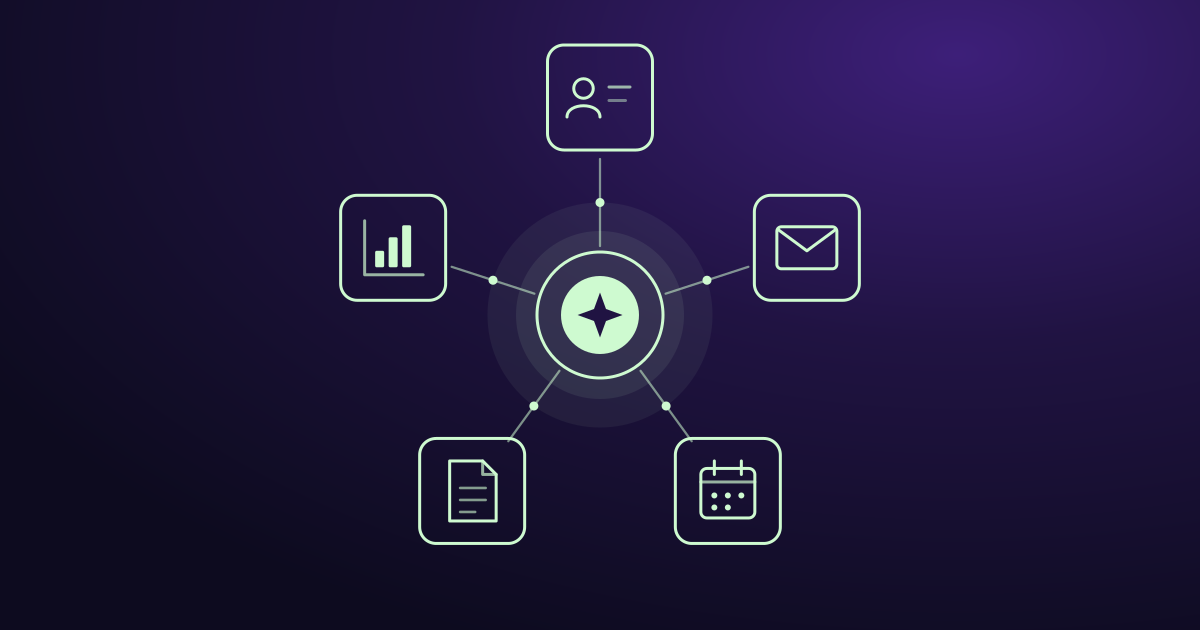
AI Agent Integration: How to Connect AI to Your Business Tools
AI agent integration connects AI to your CRM, email, and other business tools so it can use your real data and do real work. Here is how it works, what to watch out for, and how to get started.
Ready when you are
See it read your own sales mailbox
Twenty minutes, on a real mailbox, with no slides. Gmail, Google Workspace, Outlook and Microsoft 365.